


How to Remove Iron On Transfer (Without Ruining Your Fabric)
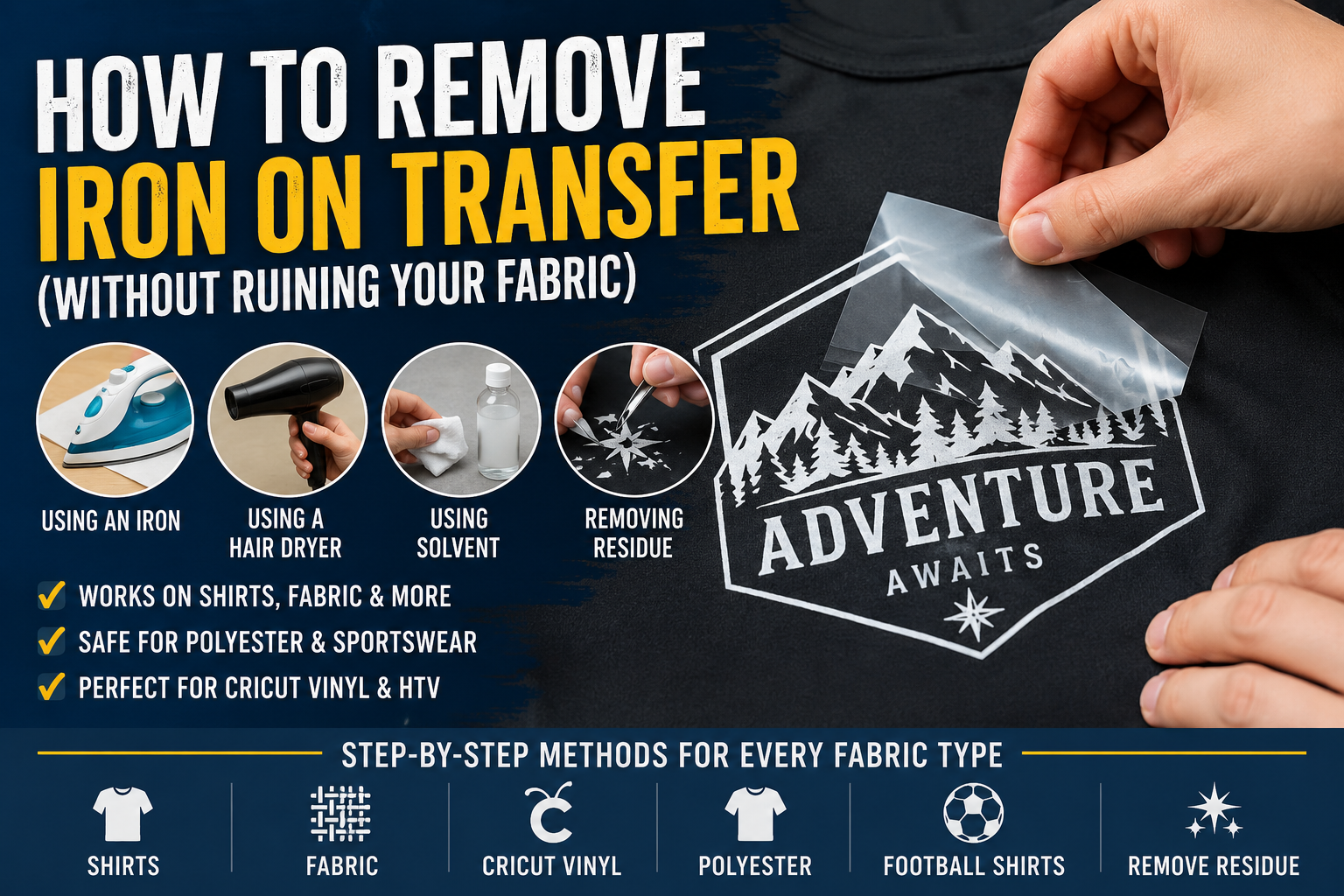
How to Remove Iron On Transfer (Without Ruining Your Fabric)
Iron-on transfers are great until you need to remove one. Maybe the design is outdated, peeling, crooked, or you simply want a clean surface again. The good news is that most heat transfer vinyl and iron-on designs can be removed safely with the right method.
This guide walks you through every method that actually works, broken down by fabric type and tool once you’ve learned how to iron on a patch, of course.
Why Iron-On Transfers Stick So Well
Iron-on transfers use heat-activated adhesive that bonds directly to fabric fibers. Once cooled, the adhesive is designed to survive repeated washing and regular wear.
The same heat that creates the bond is also the key to safely removing it.
How to Remove Iron On Transfer from a Shirt
This is the most effective method for standard cotton shirts and cotton blends.
What You Need:
- Household iron
- Thin cloth or parchment paper
- Tweezers or fingernails
- Rubbing alcohol
Step 1: Set your iron to medium heat with no steam.
Step 2: Lay the shirt flat on a heat-safe surface and place parchment paper or a thin cloth over the transfer.
Step 3: Press the iron firmly for 10 to 15 seconds.
Step 4: While warm, slowly peel the transfer from one corner using tweezers or your fingernail.
Step 5: Repeat the process on any stubborn areas.
Step 6: Remove leftover adhesive with rubbing alcohol on a cotton ball.
How to Remove Iron On Transfer from Fabric
The same method works for most fabrics, but different materials require different heat levels.
- Thin fabrics: Use lower heat and shorter exposure.
- Heavy fabrics like denim: Apply heat slightly longer.
- Synthetic fabrics: Use caution to avoid melting.
The goal is to soften the adhesive enough to peel the transfer cleanly without damaging the material underneath.
How to Remove Iron On Transfer from Cricut Vinyl
Cricut heat transfer vinyl (HTV) behaves similarly to standard iron-on vinyl but is often thinner and more flexible.
The safest method for Cricut HTV removal is using a hair dryer or heat gun rather than direct iron heat.
Best Method:
- Heat small sections at a time
- Peel slowly from one edge
- Keep heat directed slightly ahead of where you are peeling
- Use rubbing alcohol afterward for residue removal
This approach reduces tearing and helps preserve delicate fabric.
How to Remove Heat Transfer Vinyl from Fabric with an Iron
When removing HTV specifically, remember that the vinyl layer and adhesive layer separate during heating.
If the vinyl peels away but adhesive remains:
- Apply heat again
- Use a credit card edge to gently scrape the adhesive
- Finish with rubbing alcohol or adhesive remover
Always test chemical removers on a hidden section first.
How to Remove Iron On Transfers from Polyester
Polyester requires extra caution because it can scorch or melt under high heat.
The safest method is using a hair dryer instead of an iron.
Polyester Removal Steps:
- Use the hair dryer on high heat
- Hold it 2 to 3 inches from the transfer
- Move continuously in slow circles
- Peel gently once the transfer softens
If needed, apply a commercial adhesive remover to loosen stubborn vinyl.
How to Remove Heat Transfer Vinyl with a Hair Dryer
A hair dryer is one of the safest tools for removing iron-on transfers from synthetic or lightweight fabrics.
Step 1: Set the dryer to its highest heat setting.
Step 2: Heat the transfer for 30 to 45 seconds while moving in circles.
Step 3: Test a corner and peel slowly.
Step 4: Continue working in small sections until removed.
This method works especially well for polyester, blends, and sportswear.
How to Remove Iron On Transfer from Football Shirt
Football shirts and sports jerseys are usually made from polyester blends, making them more heat-sensitive than cotton garments.
For HTV player names and numbers, the hair dryer method is safest.
If the print is plastisol-based, a solvent method may work better.
Solvent Method:
- Use rubbing alcohol or acetone-free nail polish remover
- Dab the edges with a cotton ball
- Allow it to sit for 30 seconds
- Peel slowly while applying more solvent as needed
Always test solvents on an inside seam first.
How to Remove Heat Transfer Vinyl Residue from Fabric
Adhesive residue is common after removing vinyl transfers. Fortunately, there are several effective ways to clean it.
- Rubbing alcohol: Good for light adhesive residue
- Goo Gone: Effective for stubborn residue
- Packing tape: Helps lift light sticky residue
- Parchment paper and heat: Transfers softened adhesive onto the paper
Wash the garment after using any chemical remover.
Tips to Avoid Damaging Fabric During Removal
- Never use excessive heat on polyester
- Peel slowly instead of forcing the transfer
- Test solvents on hidden areas first
- Work in small sections rather than pulling all at once
- Use parchment paper to protect fabric from direct heat
Frequently Asked Questions
How do you remove iron on transfer from a shirt?
Apply medium heat with an iron or hair dryer, then slowly peel the transfer while warm.
Can you remove heat transfer vinyl without damaging fabric?
Yes, using controlled heat and slow peeling minimizes damage to most fabrics.
What is the safest way to remove HTV from polyester?
A hair dryer is safer than an iron because polyester can melt under high direct heat.
Can rubbing alcohol remove transfer residue?
Yes, rubbing alcohol works well for most light adhesive residue left behind after vinyl removal.
Can Cricut vinyl be removed?
Yes, Cricut HTV can usually be removed using heat and slow peeling techniques.
Final Thoughts
Learning how to remove iron on transfer properly can save your favorite garments from damage while giving you a clean surface for a fresh design.
Whether you are dealing with Cricut vinyl, HTV, football jersey lettering, or standard iron-on transfers, patience and controlled heat are the keys to success.
For professionally made custom iron-on patches and replacement designs, visit Patch Makers Hub.